Spare laptops for staff: how to keep a loaner that is ready to use
A spare laptop turns a breakdown into an hour of disruption instead of days, but only if it is updated, managed and wiped between users. Here is how to run one.

When a staff laptop dies, the cost is rarely the repair itself. It is the days that person spends borrowing a colleague's machine, working from a phone, or waiting for a new laptop to arrive and be set up. A spare laptop that is ready to hand out turns that into an hour's disruption. It only works, though, if the spare is actually ready when you need it, and in many offices it is not: the battery is flat, it is months behind on updates, or it still holds the last user's files.
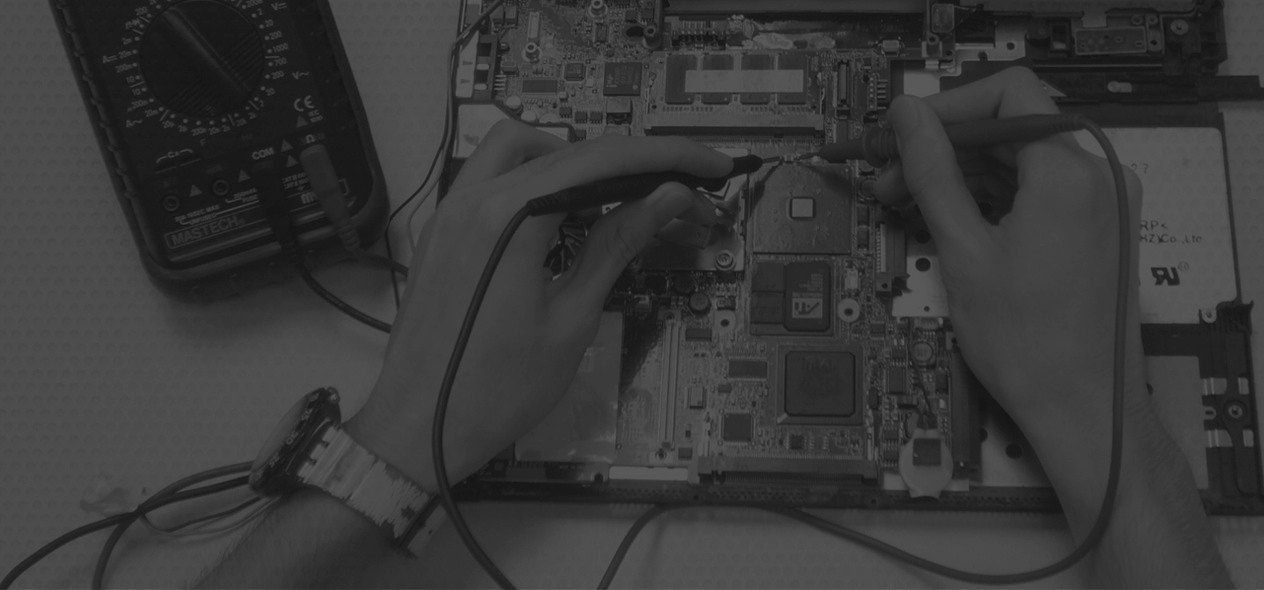
This guide covers how to keep one or two loaner laptops that are genuinely useful.
How many spares does a small business need?
There is no fixed ratio. For most small offices, one ready spare is the starting point, and a second makes sense when you have staff who travel, work on site, or depend on a laptop for every minute of the working day. Look back at the last year: how many times was someone without a working computer, and for how long? If it happened several times, or overlapped, two spares will pay for themselves in saved time.
Also think about new hires. A spare that is ready to go can cover a new starter whose laptop has not arrived yet, but then it is not available for a breakdown, so plan for both.
Which laptop should be the spare?
- The same model as everyone else, if possible. Staff know how it works, the chargers and docks are interchangeable, and your setup has already been tested on it.
- A recently retired laptop can work if it is in good condition, still receives security updates (on Windows, that means it can run Windows 11), has a healthy battery and a solid-state drive. A slow, worn-out machine that nobody wants is not a spare, it is a frustration.
- Enough capability for your heaviest everyday user. If the people most likely to need it run design, video or accounting software, the spare must be able to run it too.
Keep the spare ready, not just stored
A laptop left in a drawer for six months will need a long round of updates the moment you switch it on, often at the worst possible time. Set up a simple routine:
- Manage it like every other company laptop. Enroll it in your device management (for example Microsoft Intune or your Mac management tool), with disk encryption on (BitLocker or FileVault) and the recovery key stored where your IT provider can find it.
- Install the standard apps your staff use every day, so the person who receives it only has to sign in.
- Switch it on once a month, plugged in and connected to the network, long enough to install operating system, app and security updates. Put it on the same calendar reminder as other monthly IT checks.
- Keep the charger with it and label both, so the spare charger does not quietly become someone's second charger.
- Record it in your asset list, with its serial number and where it is kept.
Handing it out
The person borrowing the laptop should sign in with their own company account, never a shared "spare" login, so their files, email and permissions follow them and everything they do is traceable. If their documents are stored in OneDrive, SharePoint or another company cloud service, they should be working again within minutes. Write down who has it and from when; a simple log is enough.
If the person's files were only saved on the laptop that failed, the spare will not bring them back. That is a separate problem: keep the broken laptop switched off and get advice before anyone tries to repair or reset it, so the data can still be recovered.
Getting it back
When the user's own laptop returns, take the spare back promptly and prepare it for the next person. Check nothing has been saved locally that the user still needs, then remove their profile or reset the laptop to your standard setup. A spare that keeps the last user's account, cached email or downloads is a privacy problem and a confusing start for the next borrower.
If the original laptop was taken out of service because of a suspected security incident, do not hand the spare to the same user until their account has been checked too: a fresh laptop does not help if their password or session has been stolen.
When repair is still the better answer
A spare buys time; it does not replace a repair decision. With the user back at work, you can decide calmly whether the failed laptop is worth repairing, for example a screen, keyboard or battery replacement, or whether it should be retired. Our earlier article on what to do when a staff laptop dies covers that decision.
How we can help
We can set up and maintain spare laptops as part of our small business IT support, and handle laptop repair for the machine that failed. Call (213) 986-4855.